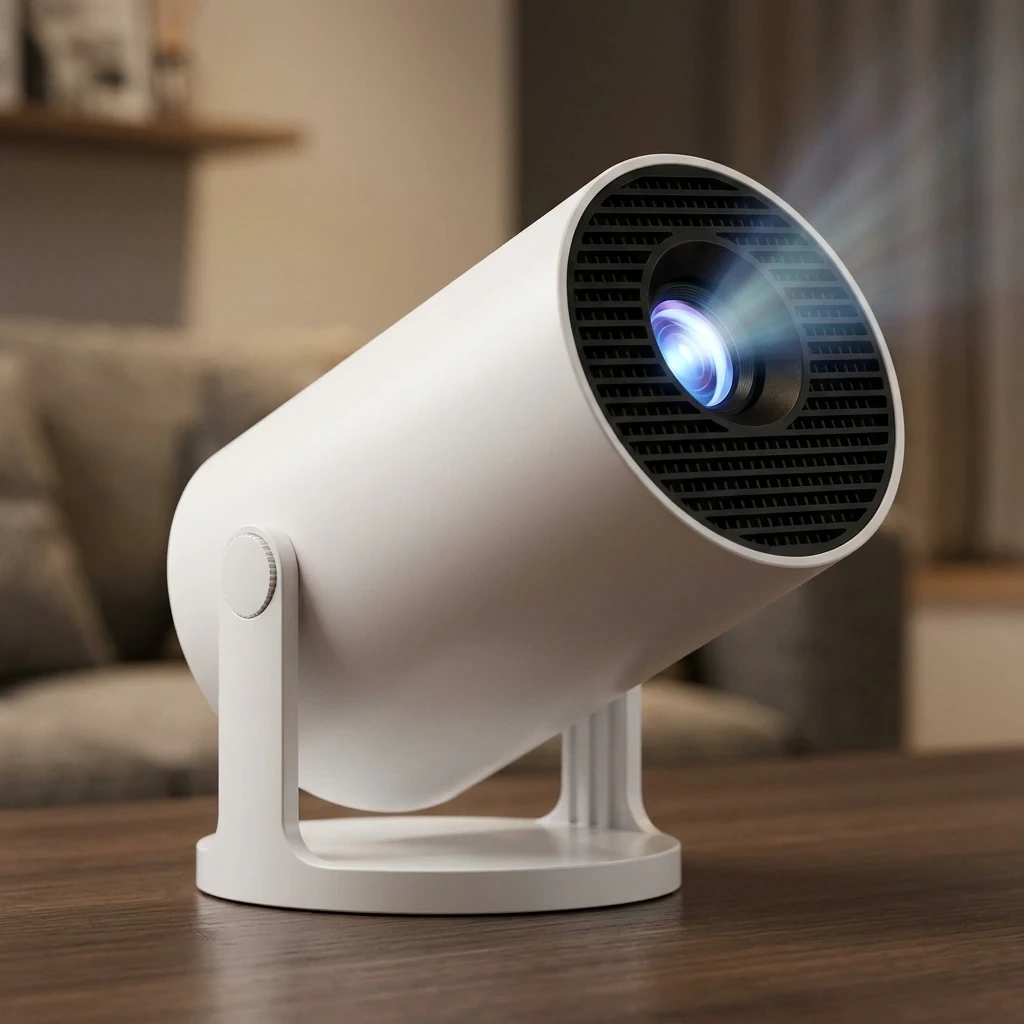
The ClokoWe mini projector can be worth $69.99 if you want a small, cheap screen for dim rooms and expect casual viewing, not cinema quality. This ClokoWe mini projector review explains what to check on picture, Bluetooth and setup, and who should skip it: anyone planning to watch in daylight or wanting sharp, bright images.
Is the ClokoWe mini projector worth $69.99?
It is worth it when your expectations match the price. At about $70, a portable projector gives you a big image on a wall or sheet, and the trade-off is brightness, sharpness and sound, which cost more to improve.
A first-time buyer should think of this as a low-risk experiment. You find out whether you like watching on a projected screen without paying for a premium model. If you try it in a dark bedroom and enjoy it, the purchase did its job. If you wanted a replacement for a living room TV, a budget projector will disappoint you.
Throughout this article I point to things you can verify yourself, on the listing and in your first evening with the unit, so you are not relying on anyone’s promises.
What do you get in the box, and what does the listing actually claim?
The listing is the only reliable source for box contents and specifications, so read its “in the box” and product description sections line by line before you order. Specs on small-brand projectors can be worded in ways that sound more impressive than they are.
Here is what to look for:
- Power: whether a power adapter and cable are included, or whether you need your own.
- Remote: whether one comes with it and whether batteries are included.
- Connection cables: whether an HDMI or other video cable is supplied, since phones and streaming sticks may need an adapter.
- Stand or tripod: whether anything is included for propping the projector at the right angle.
- Resolution wording: check whether the listing separates “native” resolution from “supported” resolution. A projector can accept a high-resolution signal and still display a lower-resolution picture.
- Brightness wording: be wary of a brightness figure with no stated unit or measurement method.
If a claim is vague, treat it as unproven and check the customer photos and reviews for real examples.
How easy is it to set up if you have never used a projector?
Setup is simple in principle: plug in power, point the lens at a flat surface, and adjust until the picture is sharp. Most beginners get a usable image within a few minutes, though getting it well aligned takes some patience.
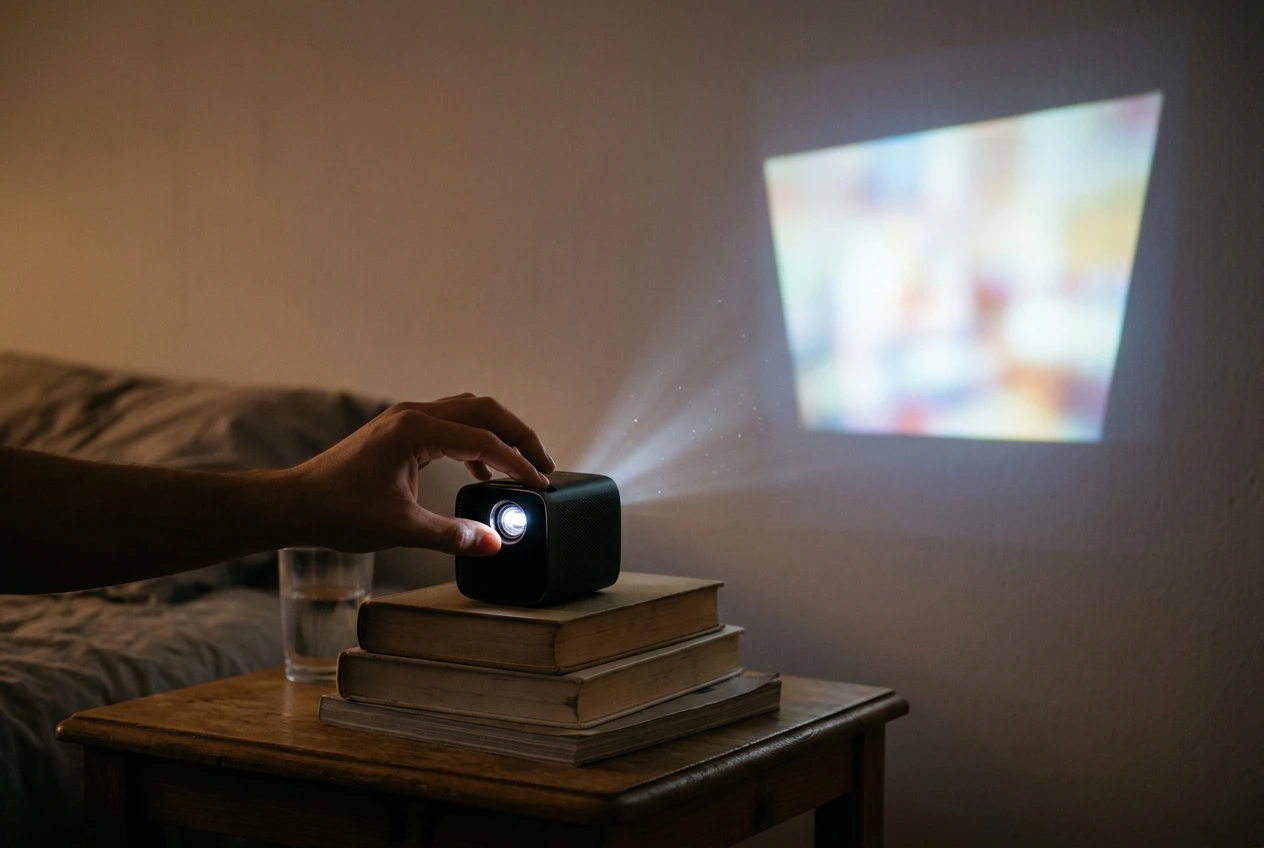
Work through this order on the first day:
- Place the projector on a stable surface at a distance from a plain, light-coloured wall.
- Turn it on and adjust the focus until the menu text looks crisp.
- Move the projector closer or farther until the image is the size you want.
- Level it so the picture is not shaped like a trapezoid. Check whether the listing mentions keystone correction, which squares up a slanted image.
- Connect your source, whether that is a phone, a streaming stick or a laptop.
A few things are worth noticing during this process. Is the focus control easy to turn without moving the whole unit? Is the menu readable and in English? Does the remote respond reliably? These small details decide whether the projector feels friendly or frustrating on a Tuesday night.
How does the picture look in a dark room compared with daylight?
In a dark room, a budget projector can look quite good for its price. In daylight, expect a washed-out image that is hard to enjoy, because ambient light overpowers the projector’s light.
That is true of nearly every low-cost projector, and it is the single most important point for a first-time buyer. Plan on using it in the evening, or in a room with blackout curtains.
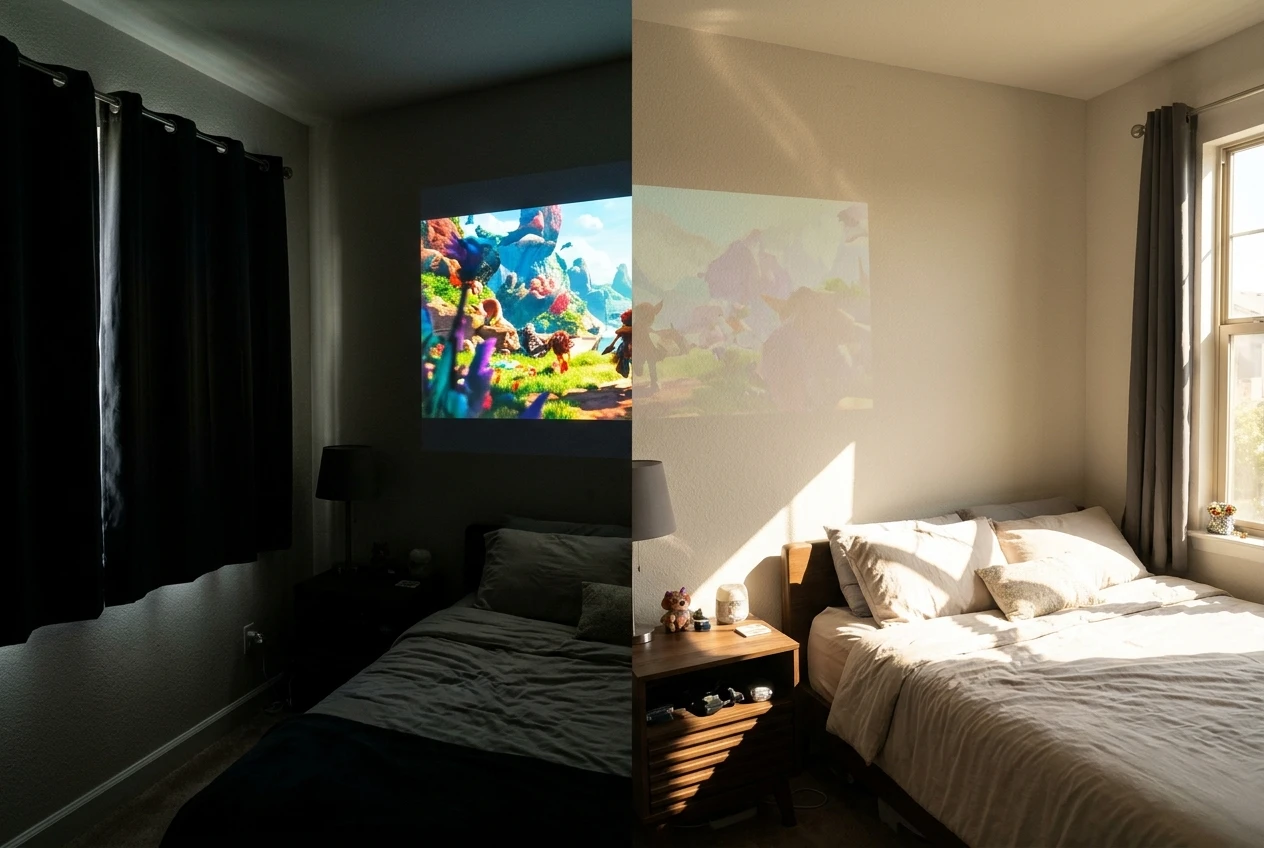
To judge the picture yourself, test these three things:
- Dark scenes: play a night scene from a film. If the blacks look grey and details disappear, the contrast is limited.
- Text: open a webpage or subtitles. Small text that looks fuzzy tells you the sharpness is modest.
- Wall surface: try a smooth white wall, then a plain bedsheet or a pull-down screen. A textured or coloured wall will dull the image more than any spec.
Also try a smaller image size. A smaller picture is brighter and sharper than a large one from the same projector, so you may prefer a smaller, better-looking image to a huge, dim one.
Does the Bluetooth connection and built-in sound hold up?
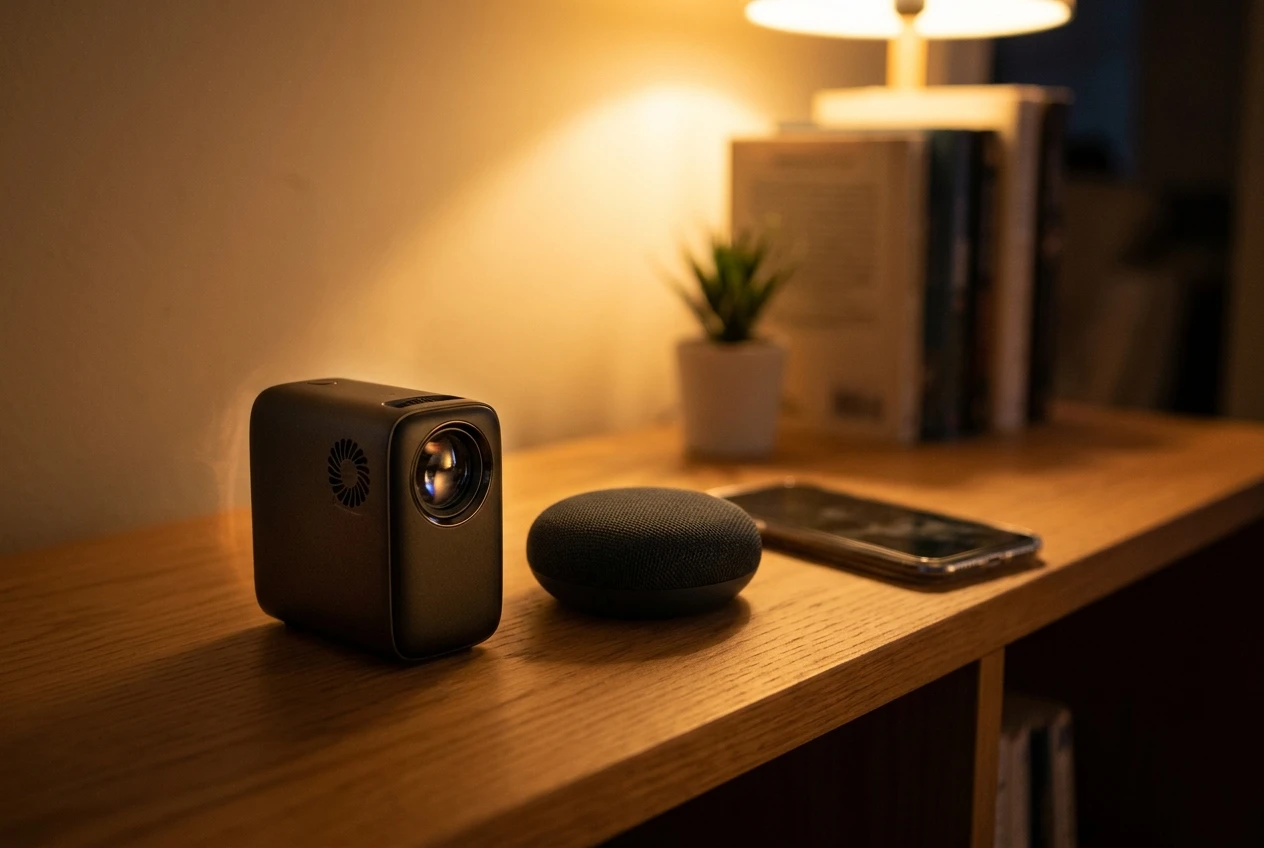
Bluetooth on a small projector is useful for pairing speakers or headphones, and the built-in speaker is usually the weakest part of any budget model. Check both before the return window closes.
First, find out which direction the Bluetooth works. Some projectors use Bluetooth to send sound out to a speaker, and some act as a speaker that receives audio from your phone. The listing should say which, and the answer changes what you can do with it.
Then test these points:
- Does pairing work on the first try, and does it reconnect automatically next time?
- Is there noticeable delay between the picture and the voices? Watch someone speaking and see whether the lips match the words.
- Is the built-in speaker clear at a comfortable volume, or does it sound thin and distorted?
- Is the fan loud enough to talk over dialogue in quiet scenes?
Fan noise is easy to overlook. Small projectors need cooling, and a whirring fan competes with a weak speaker. If you plan to watch often, a separate Bluetooth speaker usually makes a larger difference to the experience than anything else you could buy for the money.
Who is this projector a good fit for, and who should skip it?
It suits people who want a cheap, portable way to try projected video in a dark space. It does not suit anyone who needs a bright, sharp picture or plans to use it in a lit room.
A good fit:
- First-time buyers who want to see whether they enjoy a projector before spending more.
- Students or renters with a small room and a blank wall.
- Families who want an occasional movie night in a darkened room.
- Anyone who values small size and easy storage.
Skip it if:
- You want to watch in a bright living room during the day.
- You care about fine detail, such as sports, gaming or reading small text.
- You expect room-filling sound from the built-in speaker.
- You want a permanent home theatre setup. A higher-priced projector with clear brightness specifications is the safer choice.
How does it compare with other ways to spend about $70?
For about $70, the real alternatives are a better speaker or simply a bigger screen for what you already own. Each solves a different problem, so the right pick depends on what is bothering you now.
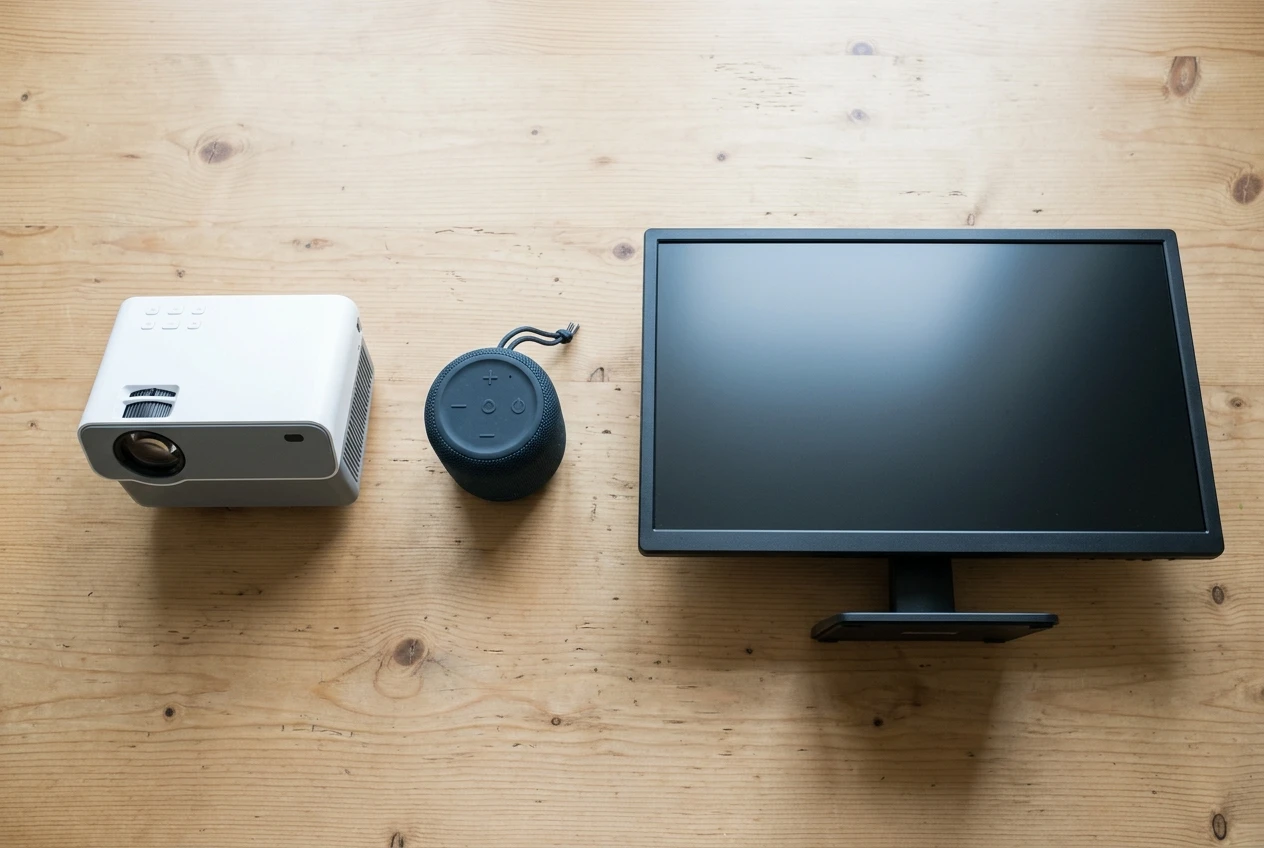
Option Best for Main limitation Mini projector A large picture in a dark room, portable use Dim in daylight, modest sharpness and sound Portable Bluetooth speaker Better sound from a phone, laptop or TV No change to picture size Using a TV or monitor you already own Reliable picture in any lighting Fixed screen size, not portable
If your complaint is that your screen is too small, a projector answers that directly. If your complaint is that dialogue and music sound tinny, a speaker is the better use of the money. Many people end up wanting both, which is worth knowing before you budget.
What should you check on the Amazon listing before you buy?
Check the return policy first, then the reviews, then the specifications. A return window turns an uncertain purchase into a low-risk trial, and that matters more than any feature bullet.
Use this checklist:
- Return terms: confirm how many days you have and whether returns are free.
- Recent reviews: sort by newest and read the three-star ones, which tend to be the most balanced.
- Customer photos and videos: look for pictures taken in real rooms, not studio shots.
- Complaints that repeat: noise, overheating, a dim image or Bluetooth problems mentioned by many buyers are worth taking seriously.
- Seller and warranty details: see who sells it and whether there is a stated warranty or support contact.
- Current price: confirm it is still $69.99, since marketplace prices change.
When the unit arrives, test it straight away in a dark room, with your own phone and your own speaker, while you are still inside the return period.
If it sounds like a fit, you can check the current price, reviews and return terms on the Amazon listing for the ClokoWe mini projector. This site earns a commission if you buy through that link, at no extra cost to you, as explained in the affiliate disclosure. If you want better sound to go with a projector, the Anker Soundcore 2 review is a good place to start.